Project Wizard 2

Once the project has been named, a database has to be selected as the starting point for the model's database. An existing database, which is copied as a local database, has to be selected.
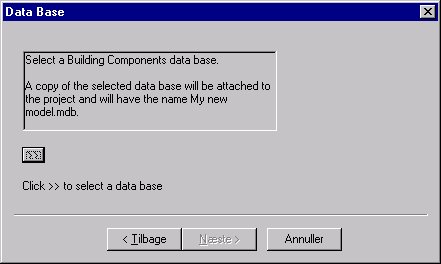
Choosing an existing database as the basis for a local database.

Clicking the button with the double arrow ">>" opens a dialog box for choosing an existing database to be used as the starting point for the project.
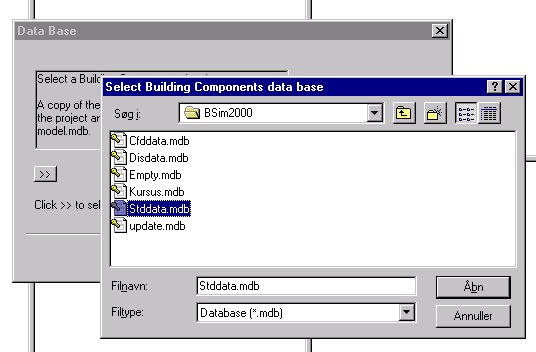
The 'SbiData.mdb' database is supplied with BSim and is updated in software updates. BSim comes with the database 'MoistDat.mdb', which also contains information on moisture properties of all materials.
The "SbiData.mdb" database is supplied with BSim and is updated in software updates. BSim comes with the database "MoistDat.mdb", which also contains information on moisture properties of all materials.

Next > dialog of the project wizard

results matching ""

    No results matching ""