Shadows from the surroundings
Shadows cast on the building by its surroundings are defined in the same way as the model for a building. It is possible to insert buildings from a previous model as a shadow in the current model. Only the current building will be simulated in tsbi5.
To insert buildings from an existing model, first mark (double-click) a reference point in the plane (bottom left view in SimView) as a local system of coordinates for the model to be inserted and then select Insert from the Edit (Alt-e + i) menu.
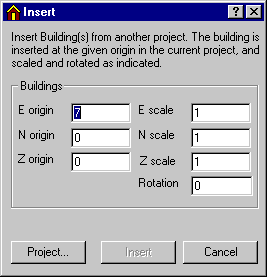
It is possible to scale the inserted project's building(s) in the local system of coordinates along the three axes and specify a rotation.
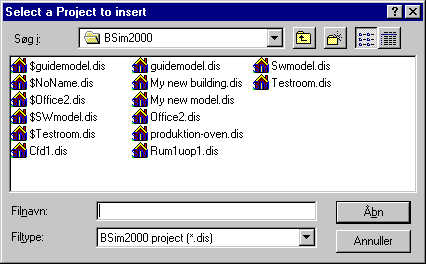
The Project button opens a dialog box for selecting existing projects for insertion in the current project.
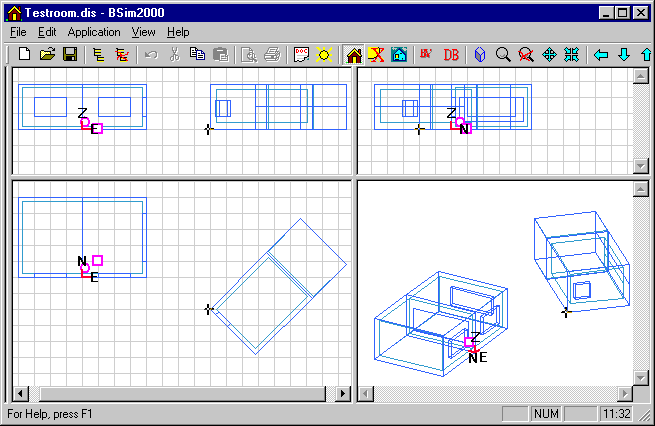
Buildings from the inserted project can be viewed directly in SimView.
See also: