SimDXF - WinDoor
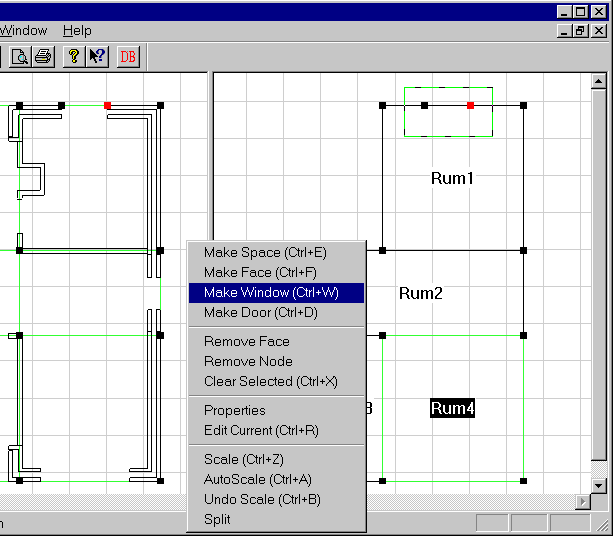
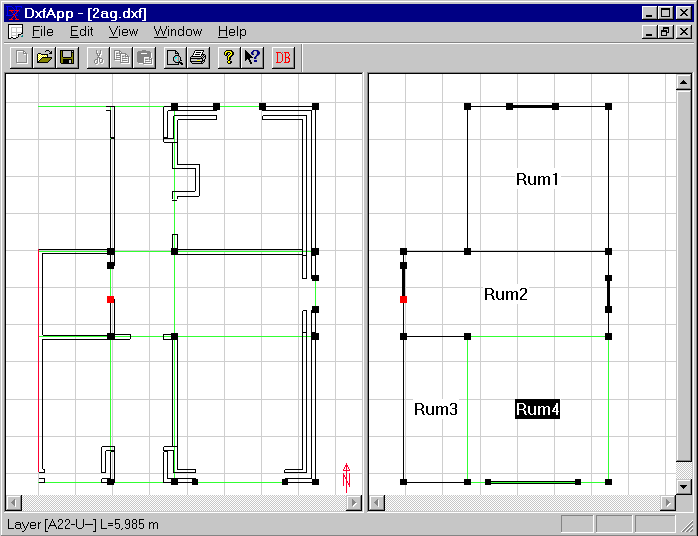
Construct a node on both sides of the window (or door). Draw a rectangle containing these nodes. Press Ctrl+W for a window or Ctrl+D for a door. Enter a name, if any, and other data.
See also:
Construct a node on both sides of the window (or door). Draw a rectangle containing these nodes. Press Ctrl+W for a window or Ctrl+D for a door. Enter a name, if any, and other data.
See also: