Printing help pages
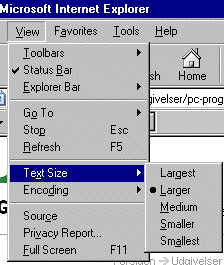
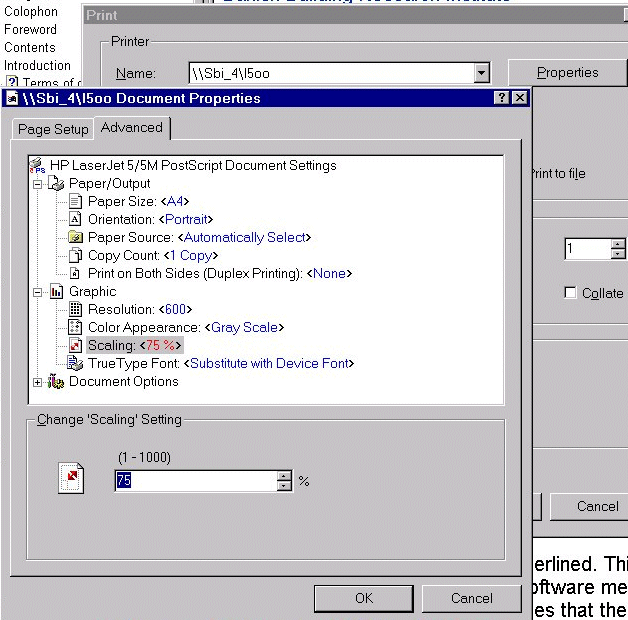
Some help pages contain graphics, which are too wide to be printed on A4 paper in landscape. These pages will be truncated (text and graphics) at the right side of the paper. This problem can be omitted if the printer's scaling of graphics is changed to e.g. 75%. This can be done by selecting printer Properties from the Windows print dialog box and the Advanced tab. The setting will be retained ONLY for as long as the current browser session continues.
This function is dependent on the selected printer and the printer driver installed on the PC for controlling printing. It is therefore impossible to guarantee that printing results will be perfect with all system configurations.
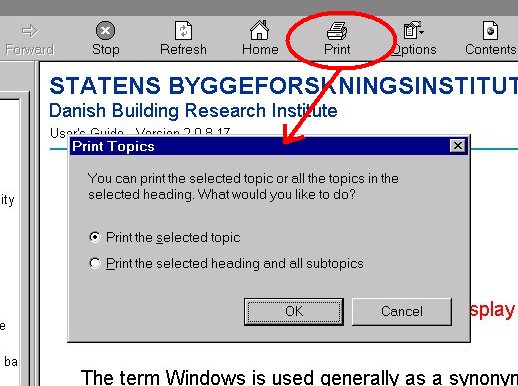
When printing help pages from compiled HTML help, it is possible to print an entire topic (chapter) in one go. After clicking the Print button, select "Print the selected heading and all subtopics".
Help is set out like an Internet website. The printout will therefore be continuous and there is a risk that screenshots towards the bottom of a printed page will be split between two pages.
See also: