XSun video
It is possible to save video sequences from an XSun animation in files of the type ".avi", which can be shown using e.g. Microsoft Media Player or Real Player.
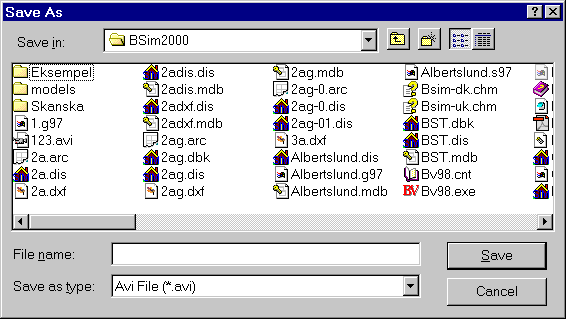
Afterwards a dialog for selection of the compression method for the video file is shown.
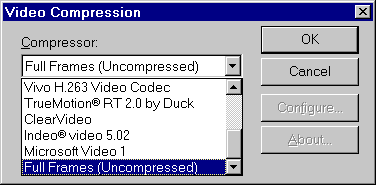
A number of different compression formats are available in the selection drop-down box.
Note: In some versions of Windows 98, Windows 2000 and Windows ME this selection box is not active when using the mouse, and only "not compressed" is available. It is, however, possible to select a compression format by activating the selection box (click with the mouse) and using the arrow keys to navigate among the different possibilities.
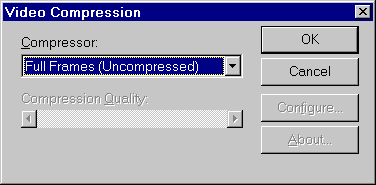
When the compression format has been selected, it is possible to change the quality of the compression by moving the vertical scroll-bar at the bottom of the dialog.
When the file name and compression method is given, the recording can be initiated from the XSun-menu. The recording is started from the XSun-menu using the Capture Screen Shot or Capture Animation functions.
If a recording has already been made, you will jump directly from Capture Animation to recording further video sequences at the end of the previous recording.
Note: Recording and replaying video sequences happens in the same window size as BSim had during the recording, so normally you should not use full-screen windows for recording.