SimDXF - Spaces
Select the faces (select or draw a rectangle) that are to define one space and press Ctrl+E. Note that no internal walls must occur within in a space.
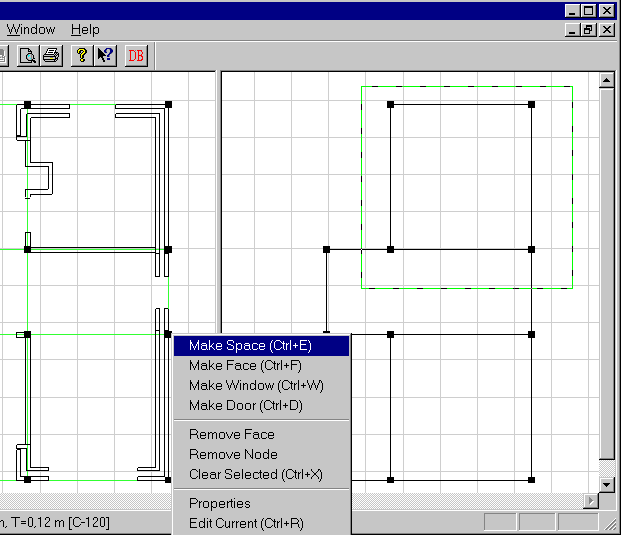
Give the new space a name/designation.
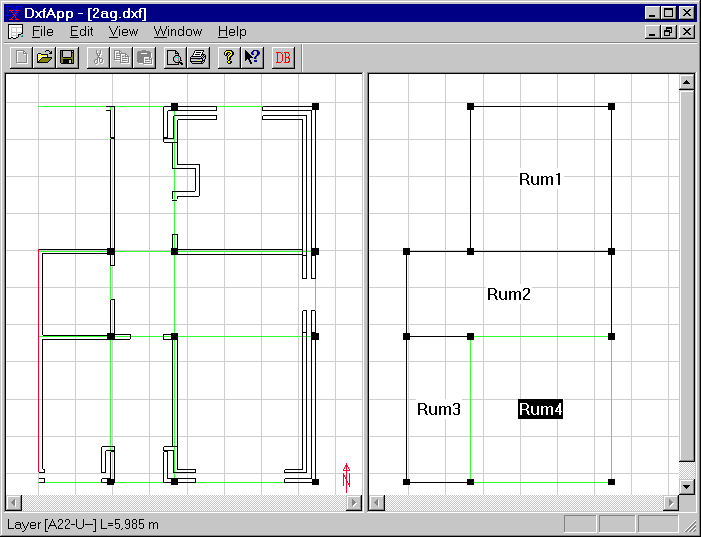
A space can be edited by right-clicking the space name (Properties menu (name, area and volume), add/delete faces and, where appropriate, delete the entire space). If area = volume = 0, the space is undefined, i.e. there are not enough faces to enclose the space entirely.
See also: