SimDXF - Creating nodes
Construct nodes by selecting two non-parallel lines (help lines and/or other lines) + Ctrl+Q, or draw a rectangle over the lines for which nodes are to be calculated, then select Make All Nodes (right click + menu selection).
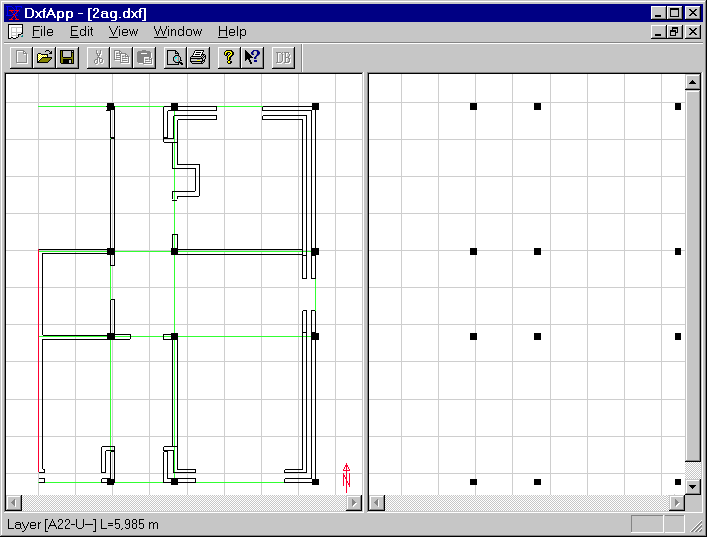
After the first node has been created, the window is split in two: the original DXF view and a new SimView view, in which nodes are displayed. SimView represents the 3D model.
See also: