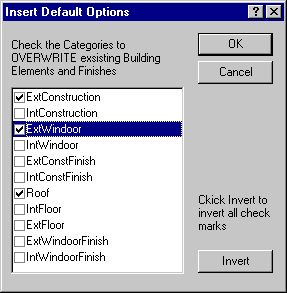
Insert Default Options
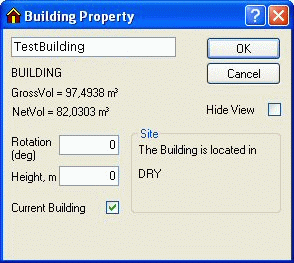
Building Property: this dialog box is opened by right-clicking the building in the tree summary. To attach default constructions to the constructions that have just been created, click the Insert Defaults button.
The constructions are divided into the displayed groups. Only checked groups will be up-dated/overwritten with the selected default constructions in the Insert Default Options dialog.

efault constructions attached to faces can be removed by deselecting them in the dialog box for defining default constructions and highlighting the constructions in the Insert Default Options dialog box.

If selected, the thickness of the constructions is now displayed in the geometric view. Please note that the thickness of a construction is plotted from the system lines inwards in the case of external walls and symmetrically around the system lines in the case of internal walls.

results matching ""

    No results matching ""